








Required and HttpOnly cookies - Session cookies required for browsing the website and using it's basic funcions. This cookies are required for the website to run properly.
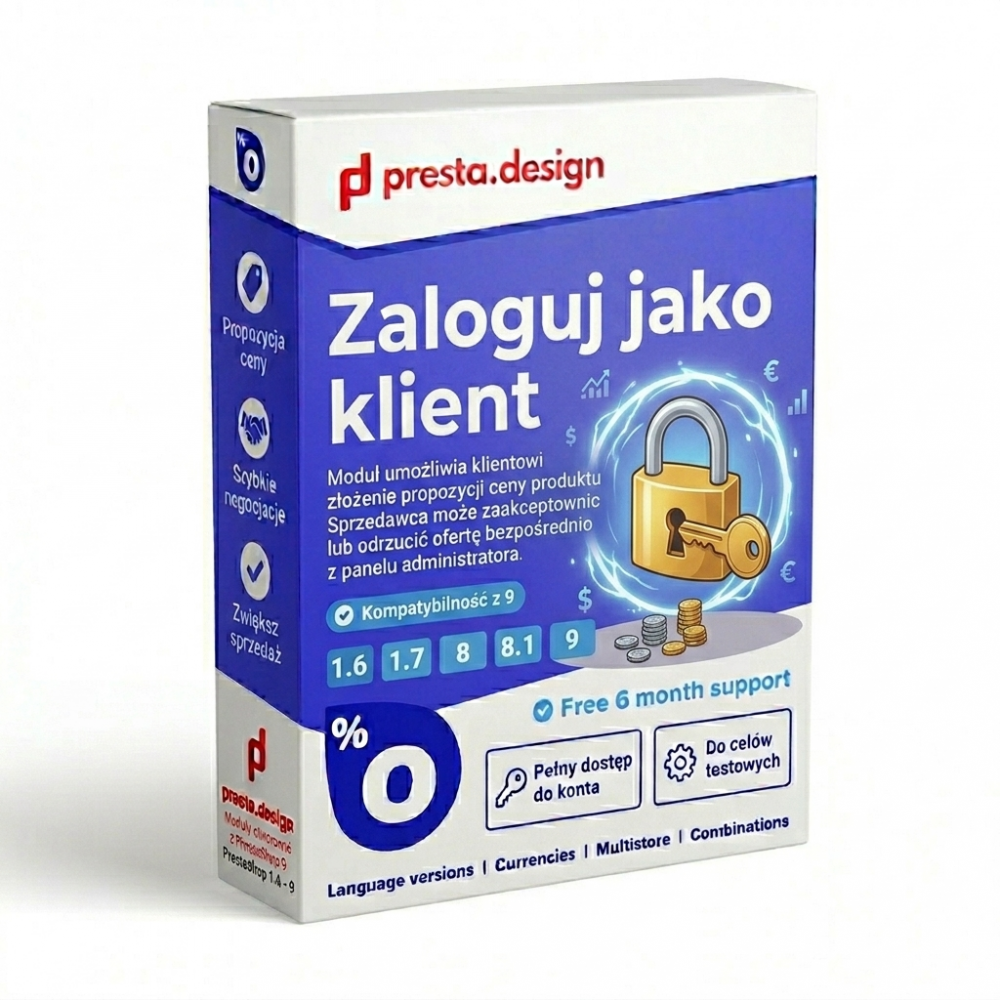
Log in as a PrestaShop customer - the administrator logs in to the customer's account without a password
€26
Tax shipping
Tax included
The PrestaShop “Log In as Customer” module allows an administrator or customer service representative to immediately log in to any store customer’s account without knowing their password. Direct access to the customer’s view enables you to quickly diagnose reported issues, view order history from the customer’s perspective, and provide effective technical support.
The module supports: language versions, currencies, multistore, and combinations.
The module works with PrestaShop versions 1.6, 1.7, 8, and 9.
We’re here to help if you encounter any issues. The purchase includes 12 months of free support.
Lifetime license.
 Free 12 month support
Description
Key features of the Login as Customer PrestaShop module
Log in to a customer account from the admin panel
A "Login as Customer" button or link appears directly on the customer list or customer profile in the admin panel. One click opens a new browser tab showing the store as seen by the selected customer - no password required.
Full access to the customer's view and features
Once logged in to the customer's account, the administrator sees the store exactly as the customer does: the same prices, the same available options, the same messages and cart views. This makes it possible to precisely reproduce a reported issue and find its cause.
Visible "admin as customer" mode indicator
While working in the logged-in-as-customer mode, a clearly visible information bar or indicator reminds the administrator that they are operating on someone else's account. This protects against accidental actions (such as placing an order) performed unintentionally on the customer's account.
Quick return to the administrator account
One click lets you return to your own admin session without having to log out of the customer account and log back in to the admin panel.
When does an administrator need to log in as a customer?
Customer service in an online store often requires stepping into a specific user's shoes. A customer reports that they can't complete an order - but the administrator sees no problem from their own admin account. A customer claims their profile displays incorrect data - but everything looks correct from the admin panel. A customer asks for help changing a delivery address or viewing order history, and support staff can't do this without access to their account. In all these situations, the ability to quickly log in to the customer's account without asking for their password is invaluable.
Role-based access restriction
The module lets you configure which PrestaShop employee roles (permission profiles) have access to the login-as-customer feature. This allows you to grant this capability only to trusted customer service staff, reducing the risk of misuse.
Benefits of implementing the module in your PrestaShop store
The ability to quickly access a customer's account drastically shortens the time needed to diagnose technical issues and reduces ticket handling time. Instead of asking the customer for a detailed description of the problem or screenshots, support staff can reproduce the situation themselves in seconds. This translates into faster issue resolution, higher customer satisfaction, and a lighter workload for support staff.
Security and GDPR - important notes
Access to customer accounts without their consent should be used solely for technical and support purposes, never to monitor customers. It's worth including this functionality in the store's privacy policy as a possible account access by the administrator for technical support purposes. The module should be available only to trusted employees with appropriate permissions.
PrestaShop compatibility
The module is compatible with PrestaShop 1.7.x, 8.x, 9.x. It works with PrestaShop's role and permission system, allowing you to control access to the login-as-customer feature.
FAQ - Login as Customer PrestaShop
Is the customer notified when the administrator logs in to their account?
By default, no - the admin logging in as the customer is invisible to the user. However, it is recommended to include this practice in the store's privacy policy.
Are actions performed during an "admin as customer" session logged?
This depends on the module's configuration. It is recommended to log all login-as-customer sessions in the admin logs for security and GDPR compliance purposes.
Does the module work with all PrestaShop themes?
Yes. The module operates through the PrestaShop admin panel and does not depend on the store's front-end theme.
Improve customer service quality with direct access to their PrestaShop accounts
The Login as Customer PrestaShop module is a tool every store with active customer service should have. It shortens issue diagnosis time from minutes to seconds and lets support staff genuinely help customers - not just reply to emails asking for screenshots.
Pytania i odpowiedzi
License for 1 domain
12 months of free support
If you'd like to purchase multiple licenses, please contact u
PrestaShop 1.6
PrestaShop 1.7
PrestaShop 8
PrestaShop 9
v1.3 (01.2025) – Full PrestaShop 9 compatibility
v1.2 (11.2023) – Translation fixes and new language versions
v1.1 (04.2023) – PHP 8.2 compatibility
v1.0 (07.2022) – Initial module release
Reviews(8)
Grzegorz
Zdecydowanie przydatne narzędzie dla obsługi klienta w większym sklepie.
Wojciech
Codziennie korzystamy z tego modułu przy obsłudze zgłoszeń supportowych.
Ania
Ułatwia diagnozowanie problemów zgłaszanych przez klientów sklepu.
Sebastian
Bezpieczne rozwiązanie - każde logowanie jako klient jest odnotowywane w logach.
Marta
Prosta instalacja, funkcja pojawia się od razu w panelu klientów.
Piotr
Świetne narzędzie do wsparcia technicznego, oszczędza mnóstwo czasu przy reklamacjach.
Kasia
Logowanie bez hasła klienta znacznie przyspiesza rozwiązywanie problemów z zamówieniami.
Damian
Bardzo przydatne przy obsłudze klienta - widzę dokładnie to co on w swoim koncie.

 Polski